How to Pull Divorce Records in Graham County, NC
Pattern: 26CV00****Go to the NC Courts Portal
Navigate to portal-nc.tylertech.cloud. You will see a human verification page.
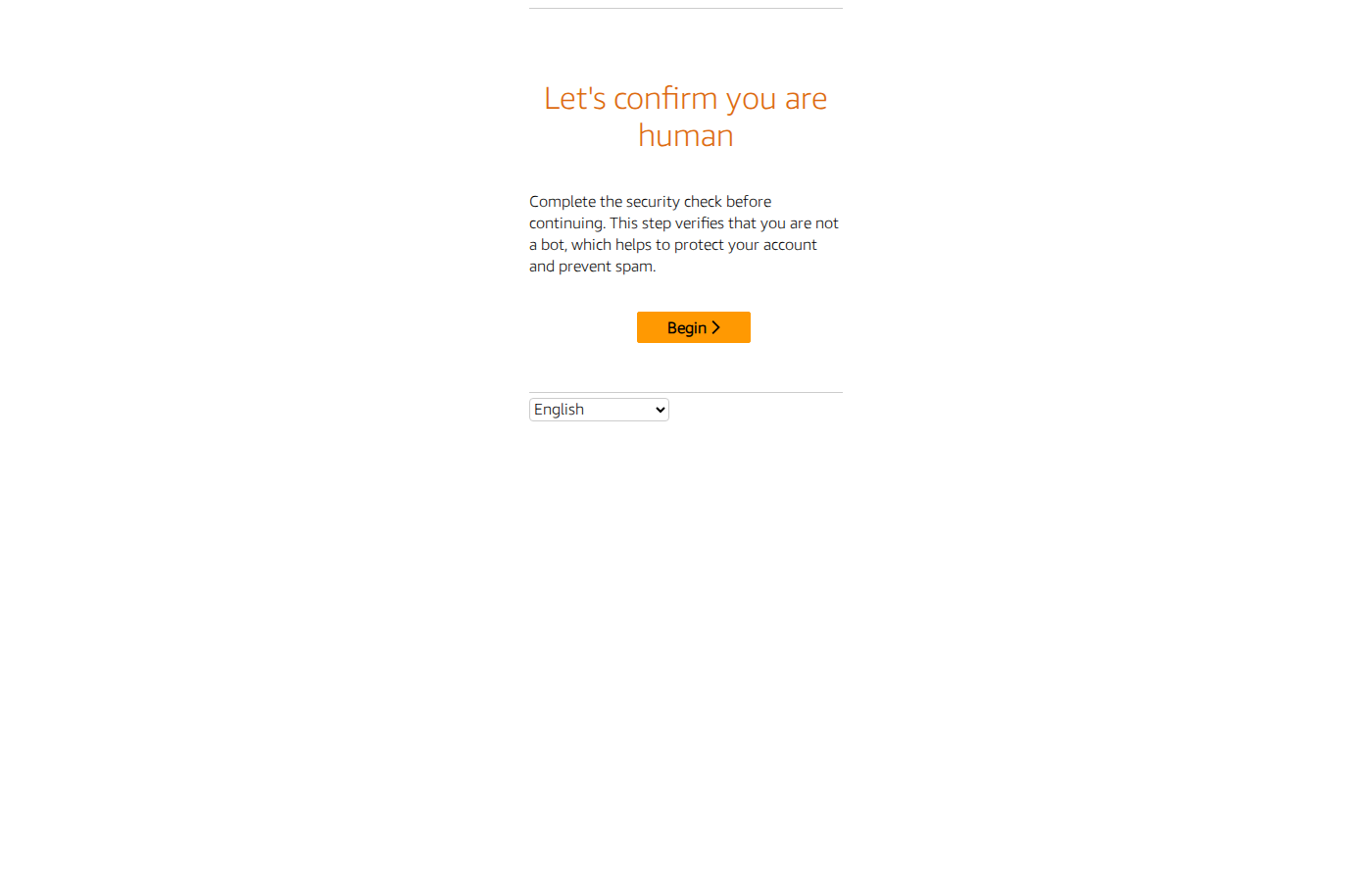
Solve the CAPTCHA
Click Begin, then solve the image grid puzzle (e.g. "Choose all the hats"). Select the matching images and click Confirm. You may need to solve 2 rounds.
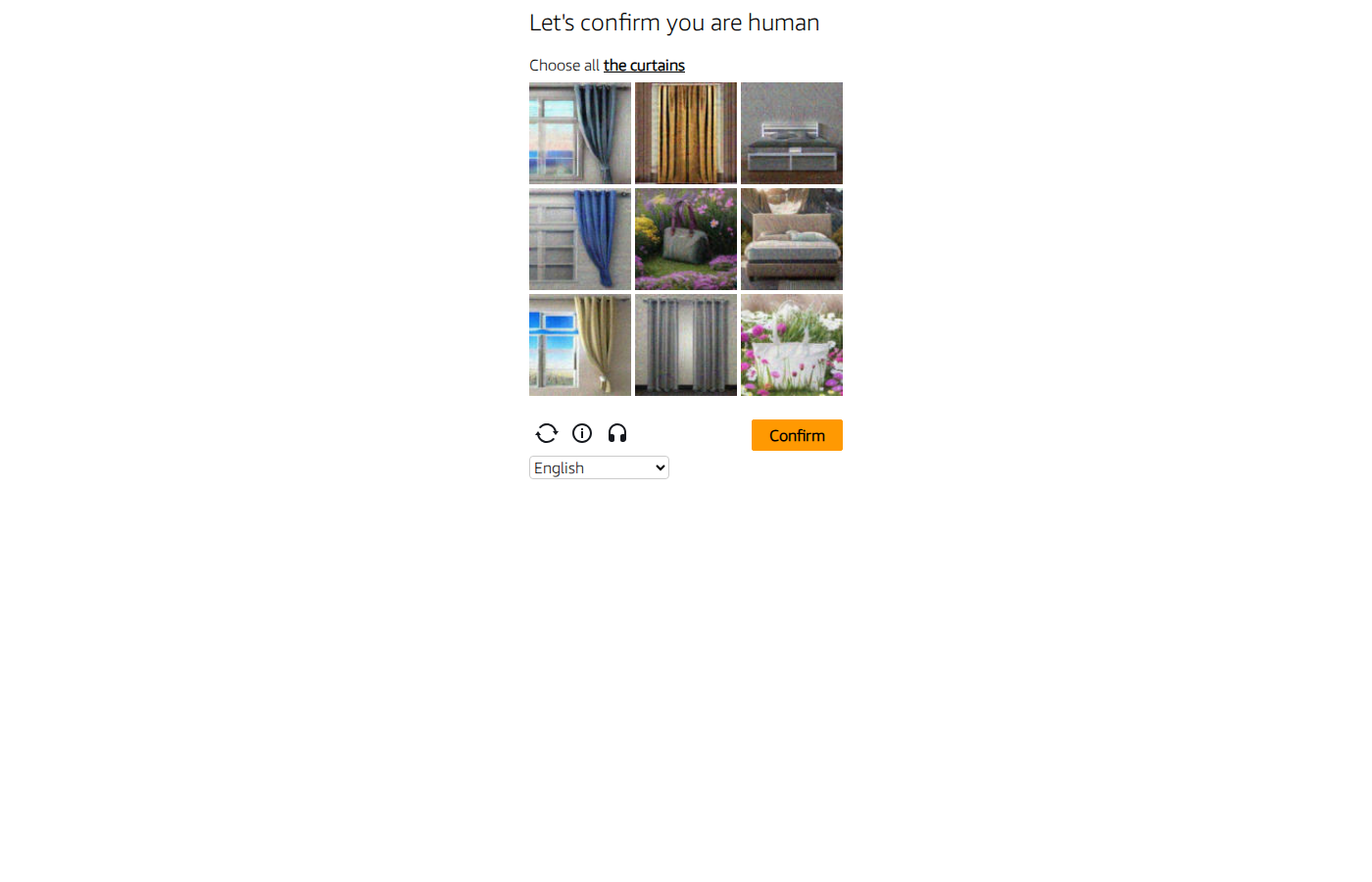
Search Page Loads
After passing verification, the Smart Search page appears with a search field and Submit button.
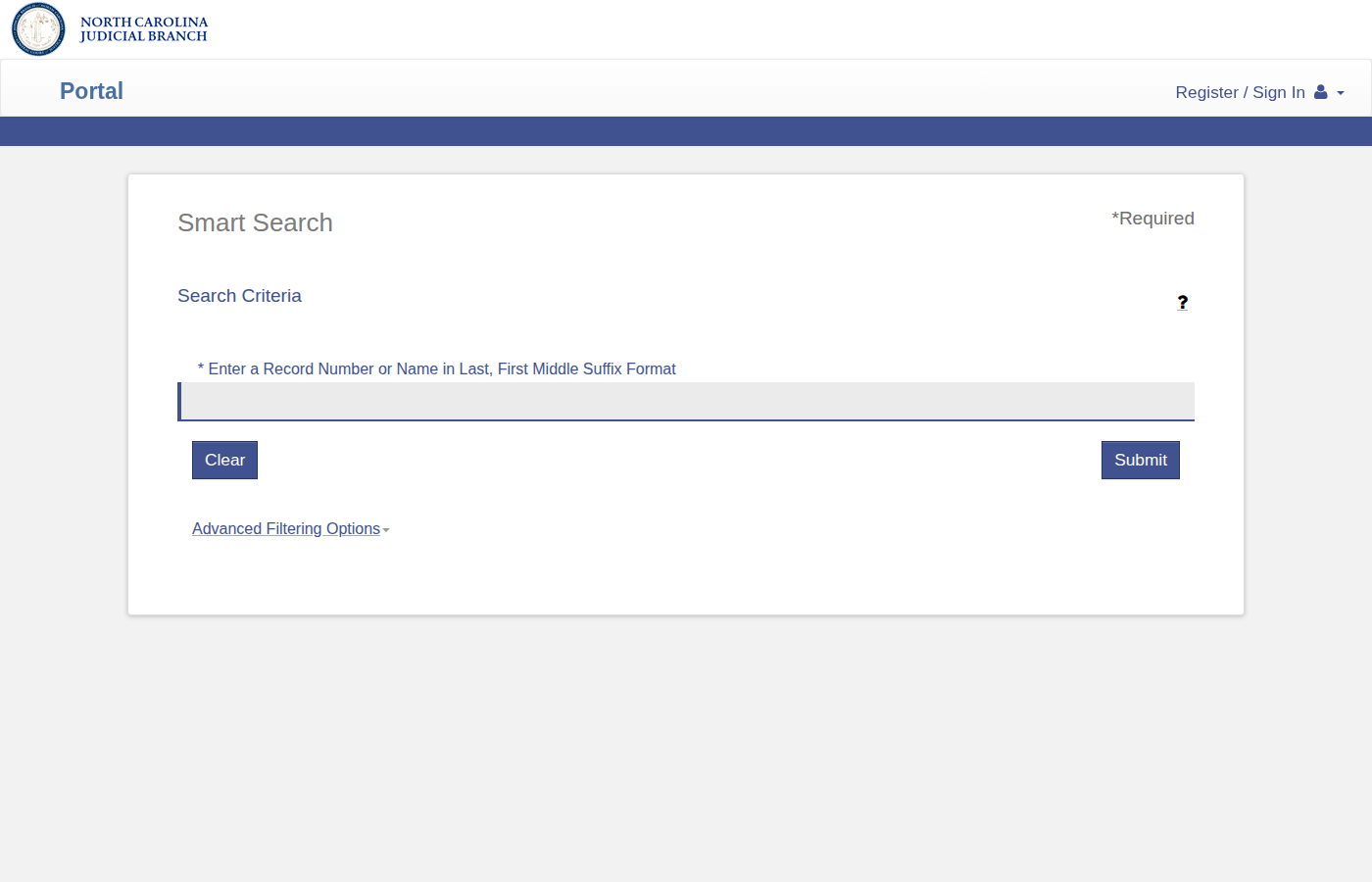
Open Advanced Filtering Options
Click Advanced Filtering Options below the Submit button. This reveals county selection, date filters, and case status filters.
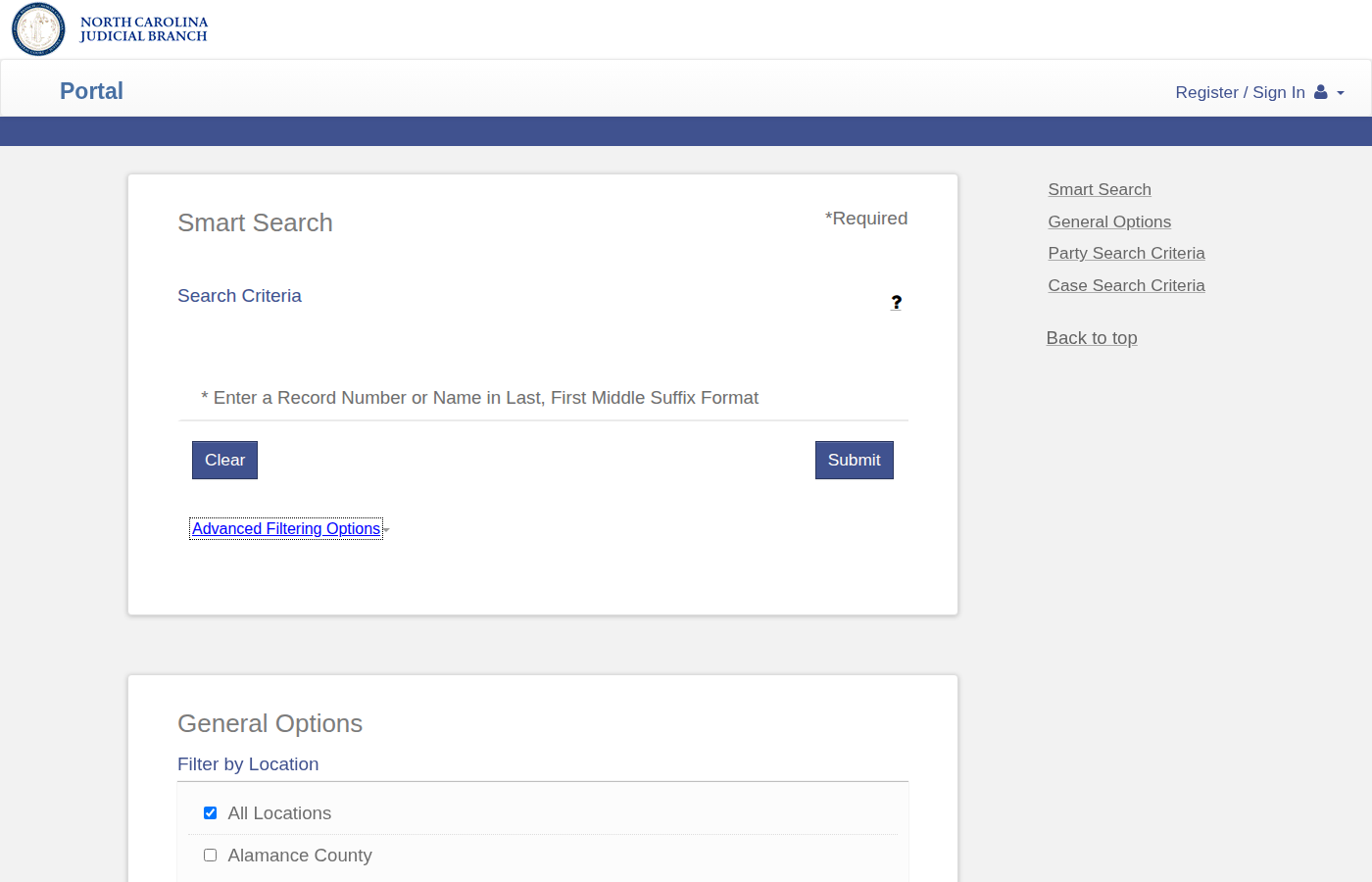
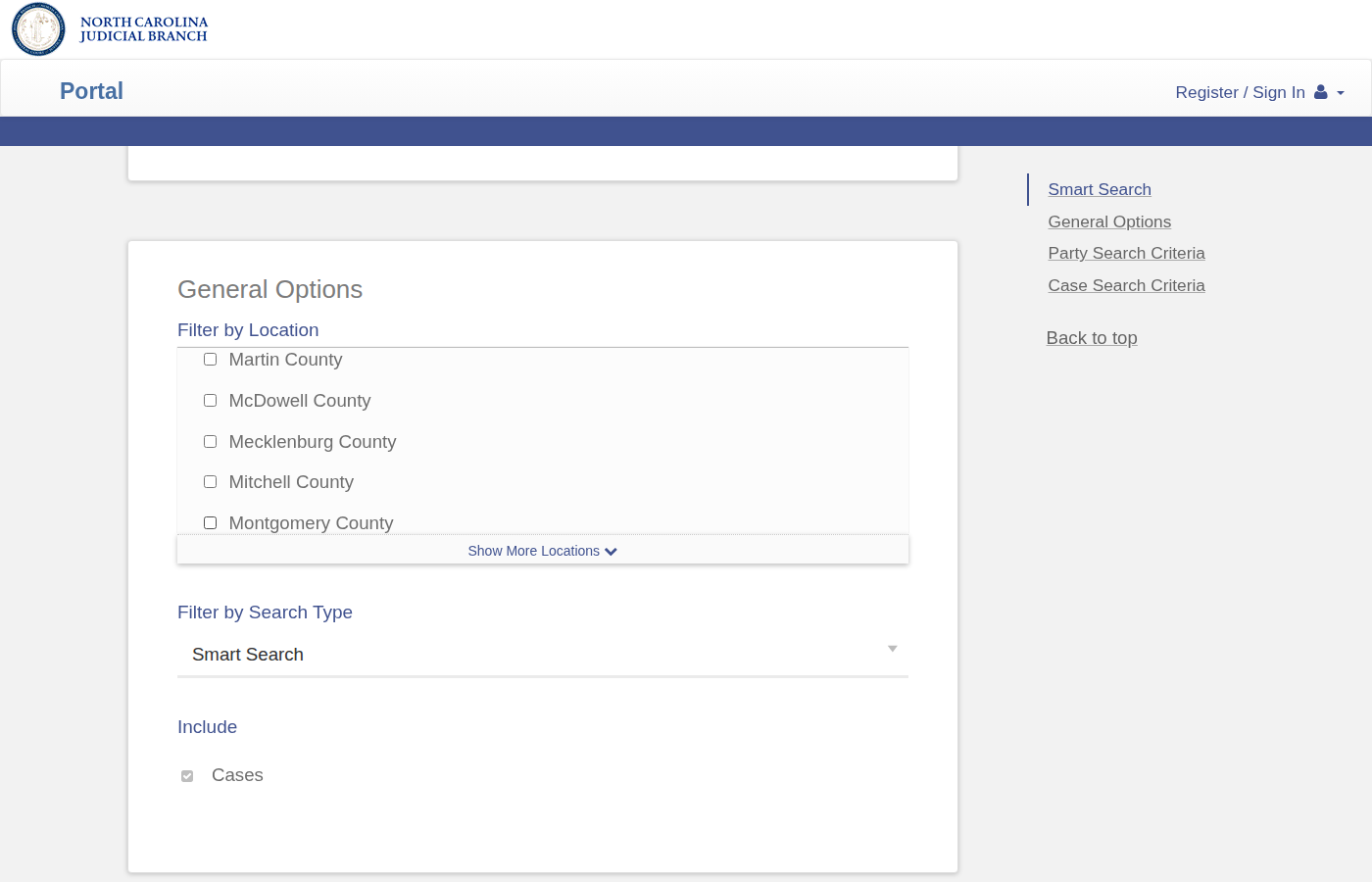
Select Graham County
Under Filter by Location, uncheck All Locations. Scroll down and check Graham County only.
Use the CVD Pattern
Enter 26CV00**** in the Search Criteria. Set Case Status to Pending and set your date range.
Identify Divorce Cases
Look for cases with format "[Name] VS [Name]" and case type Civil Domestic with Absolute Divorce or Civil Domestic without Claim for Absolute Divorce.
Download & Record
Download all PDFs. Look for property addresses in equitable distribution filings or the complaint.
Skip the manual work?
CountyPull automates this entire process. Fresh divorce records from Graham County delivered to your dashboard every morning — clean CSV, skip-trace ready. The free plan includes 100 rows every month.
Get 100 Free Leads →Other guides for Graham County: